

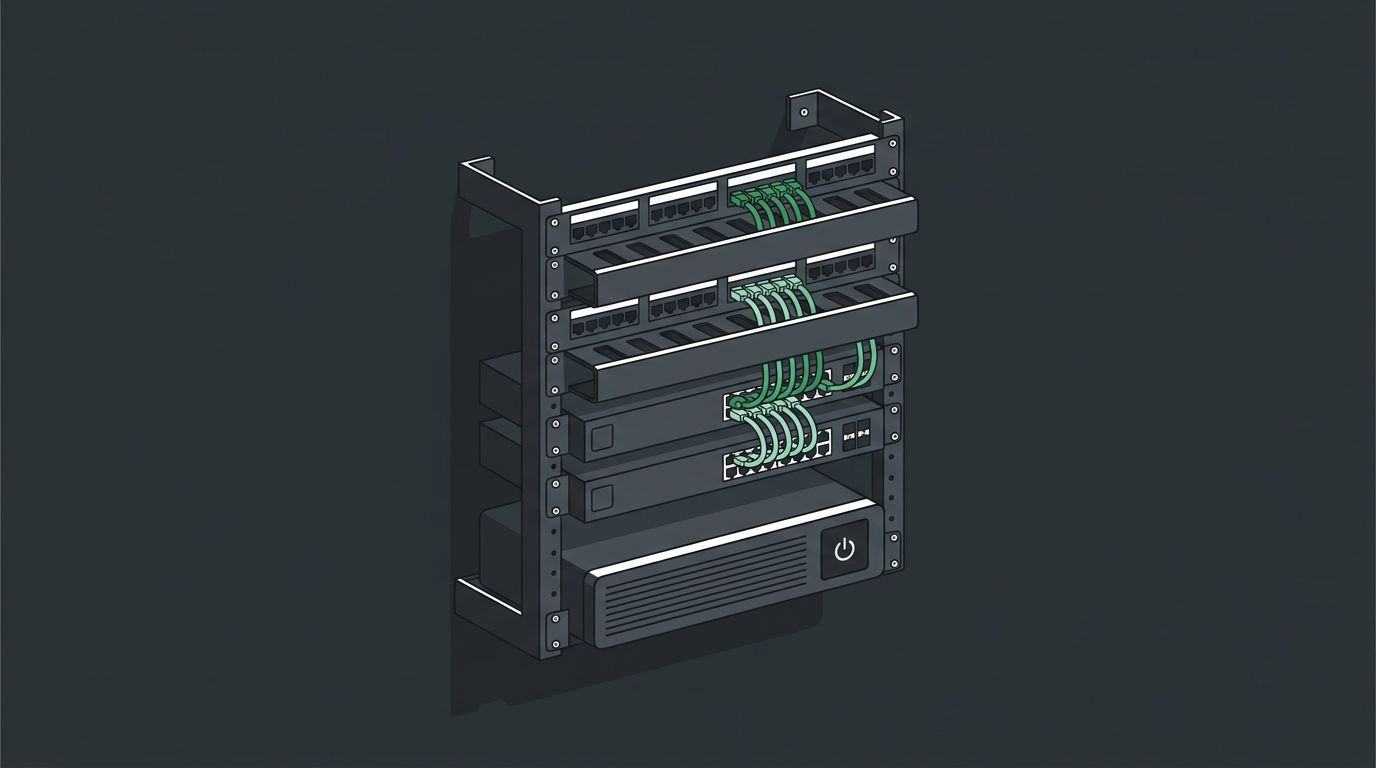
The network rack is where every cable in the building comes together. A tidy rack is faster to troubleshoot, easier to expand, and keeps equipment cooler. A messy one turns a five-minute fix into an afternoon of tracing cables.
Wall-mount and floor racks
There are many kinds of wall-mount and floor racks, and the right one depends on the space, the equipment, and how much growth you expect.
- Wall-mount racks fit small offices and closets. Swing-out models open from the wall, so the back of the equipment can be reached without unmounting anything. Enclosed versions lock.
- 2-post open racks are floor racks for patch panels, switches, and other lighter equipment in a network closet.
- 4-post racks support deeper, heavier equipment such as servers and battery backups.
- Enclosed cabinets add locking doors, side panels, and airflow control for equipment in shared or public spaces.
Rack space is measured in rack units (U); one unit is 1.75 inches tall.
Patch panels
- Punch-down panels terminate each cable permanently on the back of the panel. They’re dependable and cost-effective for standard copper drops.
- Keystone panels hold snap-in jacks, so copper, fiber, and other connections can be mixed in one panel and a single port replaced easily.
- Angled panels route patch cords to the sides, which can save rack space.
Cable management
- Horizontal cable managers between patch panels and switches keep cords short and neat.
- Vertical managers carry cables up and down the rack.
- Short, color-coded patch cords make it clear what each connection is for.
- Hook-and-loop straps instead of tight zip ties protect cable performance and make changes easier.
Labeling and documentation
Every cable should be labeled at both ends, with patch panel ports that match the labels on the wall plates and the floor plan. Good documentation means anyone can find a cable later without guessing.
Our standard
- The right rack for the room. We install many types of wall-mount and floor racks, chosen for the space and the equipment.
- Cable management at every panel, with short, color-coded patch cords and hook-and-loop straps.
- Labels at both ends of every run, matching the wall plates and the drawings.
- Battery backup for network equipment, so a brief power blip doesn’t take the network down.
- Documentation at hand-off, with every run tested and recorded.
Building out a network closet or cleaning up an old one? See our structured cabling services.