
Managed service provider (MSP) in Tampa Bay
Your IT department, run by a local team for a predictable monthly cost.
A managed service provider (MSP) takes care of your company's computers, network, email, security, and backups for a set monthly cost, so you aren't billed every time something breaks. Complete I.T. has provided managed IT to Tampa Bay businesses since 2014, from our headquarters in Dade City.
- Around-the-clock monitoring available
- Local help desk by phone, email, or remote session
- Service tiers matched to your team, with no surprise invoices
What an MSP takes off your plate
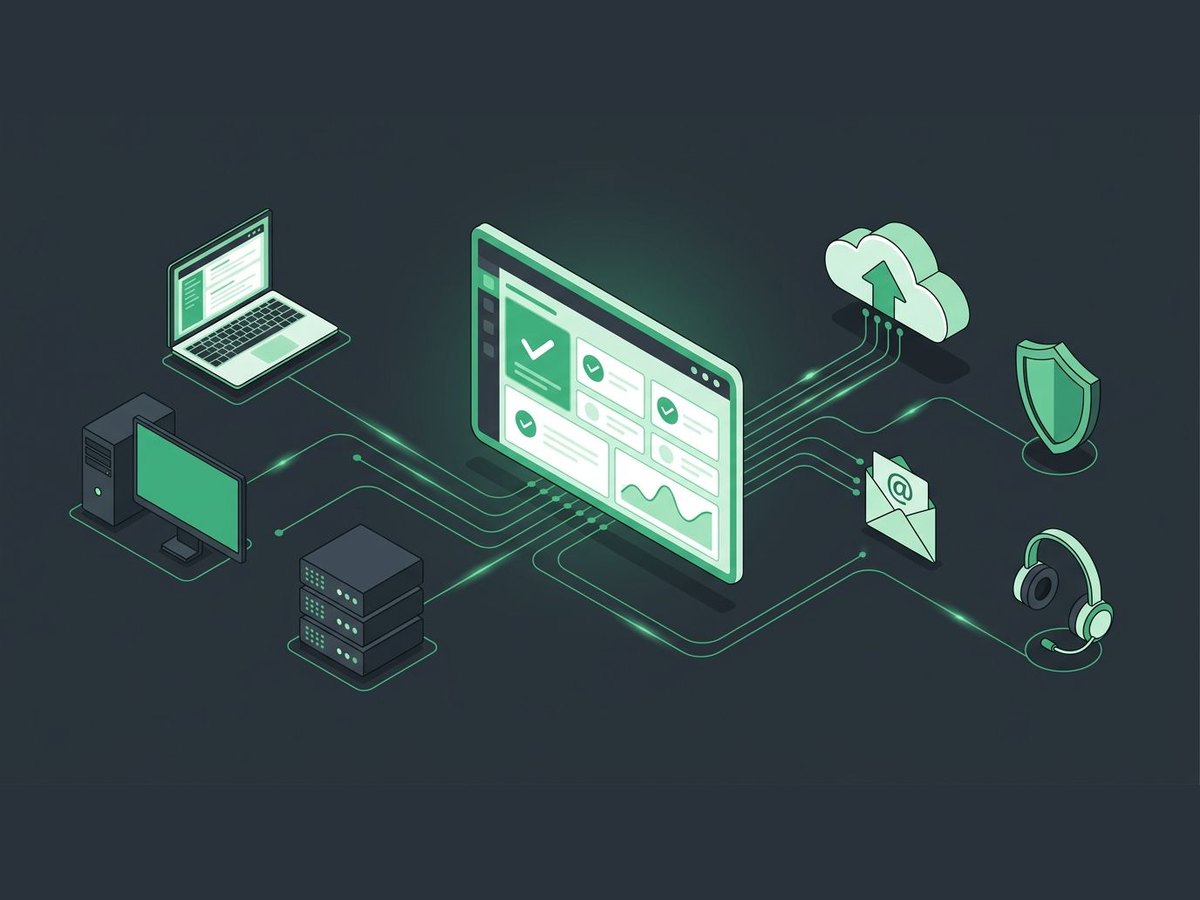
Everything an in-house IT department does, handled by one local team.
Your team calls or emails one local help desk. Most problems are fixed over a secure remote session.
We monitor your computers and keep Windows and software updated. Around-the-clock monitoring is available.
Managed antivirus, multi-factor sign-in, and email filtering on every account.
Onsite and cloud backups, monitored and tested so you can actually restore.
Email, calendars, and file sharing set up, secured, and licensed.
Business firewalls, switches, and WiFi kept updated and secure.
The right machines at fair prices, set up and ready on day one, and repaired when something breaks.
We set up new employees with their accounts, licenses, software, email, office phone, and laptop. When an employee leaves, we offer options to offboard them remotely, removing their access to accounts, email, and company systems.
Calling someone when it breaks vs. a managed service provider
Most small businesses start out paying for IT by the hour, and most don't realize what it really costs once you count employees who can't work and clients kept waiting. Here's what changes with an MSP.
| Pay when it breaks | Managed service provider | |
|---|---|---|
| How you pay | By the hour, each time something breaks | A set monthly cost |
| When problems are found | After your team is already stuck | Often before anyone notices, through monitoring |
| Updates and security | Whenever someone gets to it | Applied and checked on a schedule |
| Backups | Often unchecked until you need one | Monitored and tested |
| Who knows your setup | Whoever is available that day | One team with your history on file |
| Budgeting | Hard to predict | Predictable month to month |
| Hidden costs | Employees who can't work and clients kept waiting while you wait for a fix | Caught early, before many issues arise |
How switching to us works
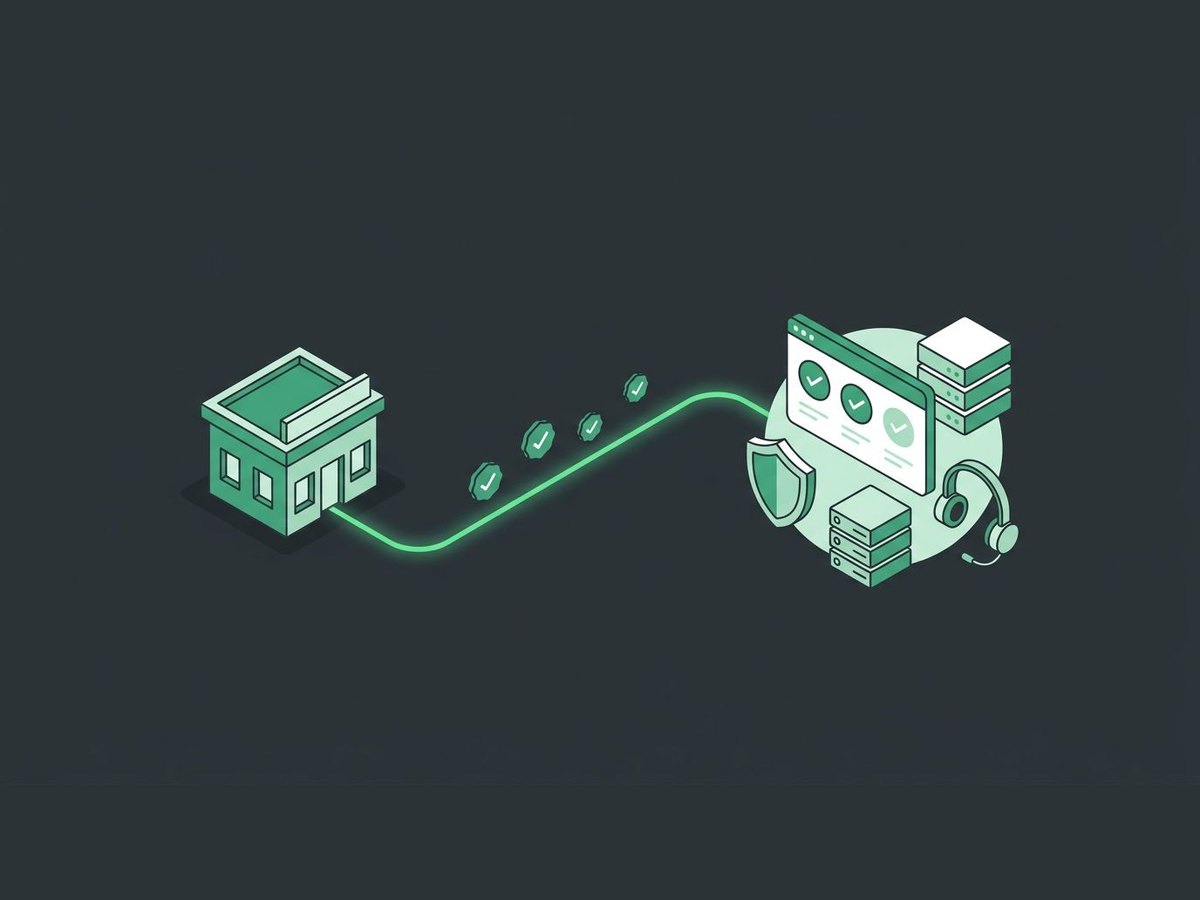
Moving to a new MSP sounds disruptive. Most of the work happens in the background.
- 1Free assessment
We look at your computers, network, accounts, and backups, and tell you what we find.
- 2Onboarding
We document your setup and install our monitoring, security, and backup tools.
- 3Everyday support
Your team starts calling our help desk, and we handle updates and alerts.
- 4Honest recommendations
We suggest upgrades only when something is genuinely holding you back.
We co-manage. Your team keeps the projects it knows best, and we take the day-to-day tickets and the specialty work off their plate.
Platforms we use and support




Talk to us about managed IT
A few quick questions help us come prepared. We will call you to learn more.
Managed Service Provider (MSP) questions, answered
What is a managed service provider?
A managed service provider (MSP) is an outside company that runs your IT for a set monthly cost: help desk, monitoring, updates, security, backups, and email. Instead of calling someone after something breaks, you have a team that keeps things running.
What does managed IT cost?
We offer service tiers matched to your team size and what you need covered, so you pay for the support you actually use, with no surprise invoices. We recommend the right tier after a quick assessment.
Are you available around the clock?
Around-the-clock monitoring is available. Our help desk is open Monday to Friday, 9:00 AM to 5:30 PM Eastern.
Can we keep our current computers?
Yes. We assess what you have, keep what's healthy, and only recommend replacements when a machine is genuinely holding you back.
We already have IT staff. Can you still help?
Yes. We co-manage. Your team keeps the projects it knows best, and we take the day-to-day tickets and the specialty work off their plate.
Where is your team?
Our team is based at our headquarters at 40234 Townsend Rd in Dade City, just north of Tampa. When a problem can't be fixed remotely, we can send a technician onsite.
Related services
Office Help Desk
Are your office employees getting the support they need?
Office Help DeskCybersecurity
Layered protection around your team: monitoring, MFA, email security, endpoint defense, training, and tested backups.
Explore CybersecurityData Backup & Recovery
If disaster strikes, is your business data backed up?
Data Backup
Ready to talk about managed IT?
Tell us about your setup. We'll call you to learn more and set up a free, no-pressure assessment.