
Computer and workstation security in Tampa Bay
Every office computer locked down, patched, and watched.
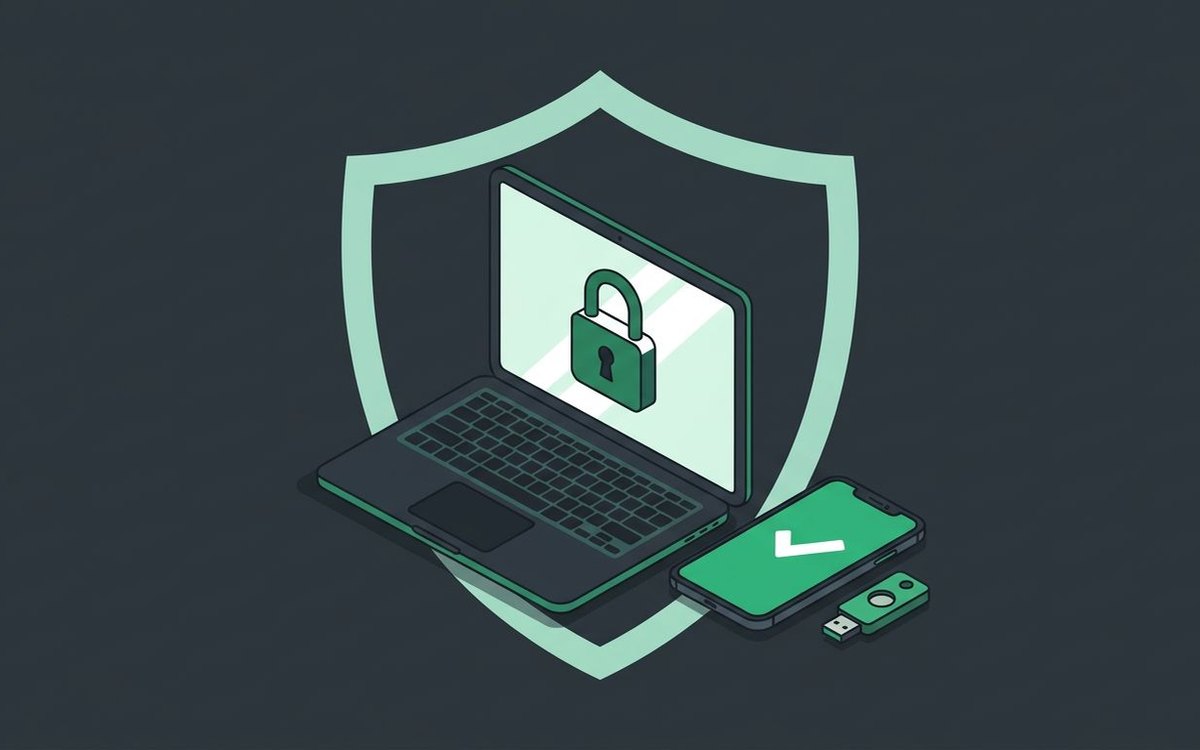
Office computers hold your client records, financials, and logins. We protect each one from malware, unauthorized access, and data theft, so a lost laptop or a bad click doesn't become a breach.
- Managed antivirus and anti-malware on every computer
- Encrypted hard drives for laptops and workstations
- Endpoint detection and response (EDR) on every computer
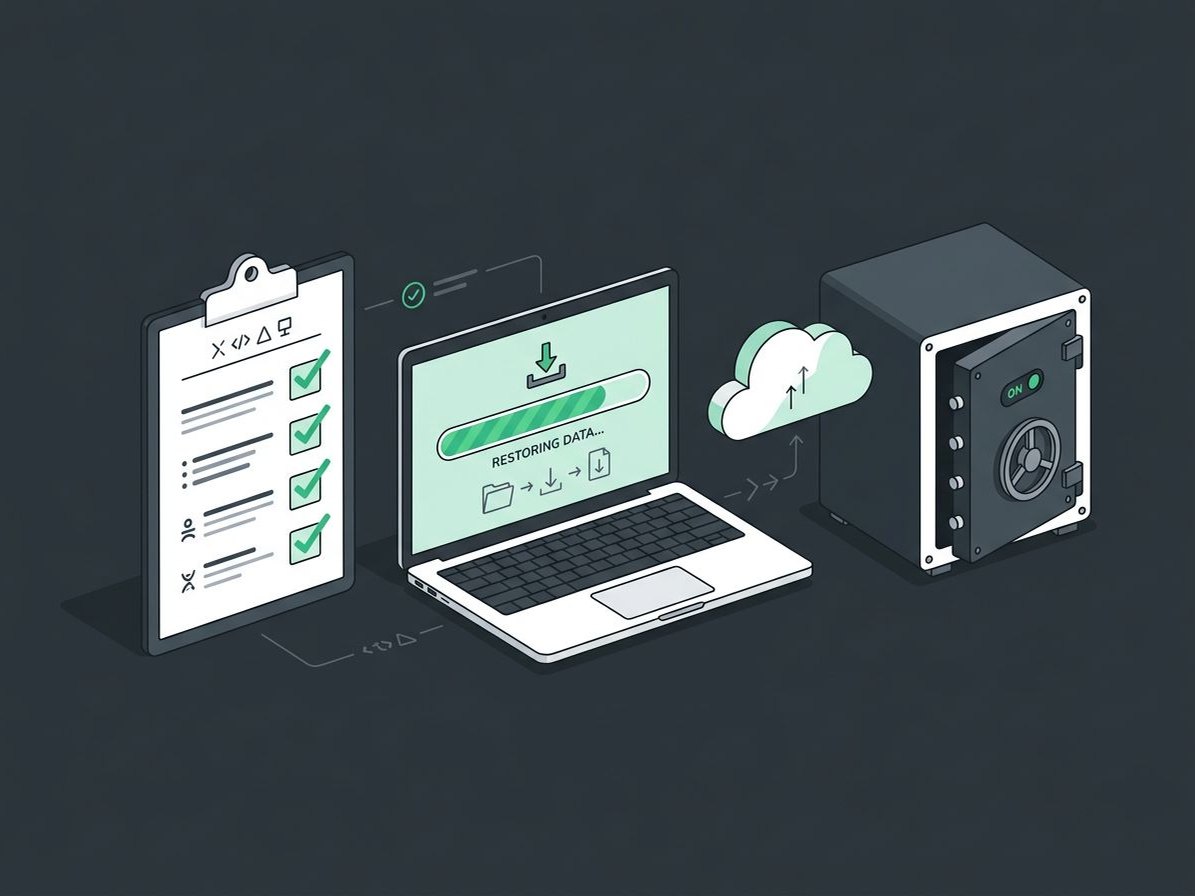
Is your computer secure? Take the 30-second check
Tick everything that's true for your office today.
Why trust Complete I.T. with your computer security?
We combine proactive security, continuous monitoring, and a client-first approach, so your systems and data stay protected and you can focus on running your business.
- Proactive approachWe catch most problems before they reach your team.
- Comprehensive protectionAntivirus, EDR, encryption, and passwords working together.
- Continuous monitoringOur team watches alerts and responds.
- Certified toolsCertified on the tools we use.
- Comprehensive IT supportThe same team takes care of the rest of your IT.
Platforms we use and support


Talk to us about computer security
A few quick questions help us come prepared. We will call you to learn more.
Computer & Workstation Security questions, answered
Can we use our own antivirus and have Complete I.T. manage the computers?
No. We use a tried-and-true set of security tools and methods. Managing computers without them would leave gaps, and that wouldn't serve you well.
We don't want passwords on computers in case an employee leaves.
We strongly recommend login passwords on every computer and workstation. There are several ways to set them up so access stays with the company when someone leaves, and we'll choose the best fit for your office.
Can you manage our computers as our IT department?
Absolutely. That's what our managed IT service does. See Managed IT Services for details.
Related services
Cybersecurity
Layered protection around your team: monitoring, MFA, email security, endpoint defense, training, and tested backups.
Explore CybersecurityData Backup & Recovery
If disaster strikes, is your business data backed up?
Data BackupNetwork & WiFi Security
Fast, secure WiFi and a firewall that actually protects you.
Network & WiFi Security
Ready to talk about computer security?
Tell us about your setup. We'll call you to learn more and set up a free, no-pressure assessment.