
Computer repair and data recovery in Tampa Bay
Slow, broken, or infected? Get an honest answer on whether it's worth fixing.
Business laptops and desktops repaired, failing hard drives replaced, older computers upgraded to faster solid state drives, viruses removed, and files recovered from failing drives. Computer repair has been part of Complete I.T. since our early days as Complete I.T. Computer Repair and Network Solutions.
- Laptop and desktop diagnosis and repair
- Data recovery from computers, servers, and external hard drives
- Virus and malware removal
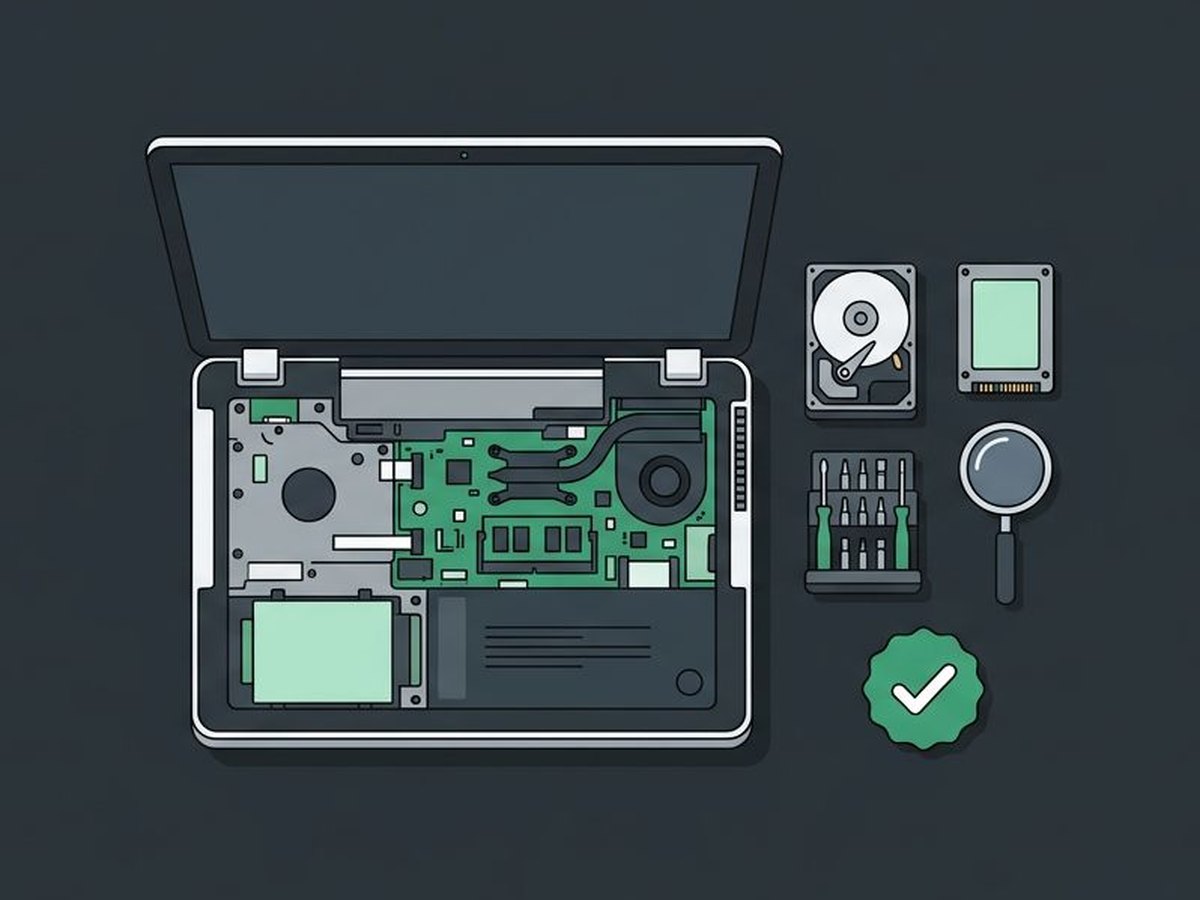
In most situations, computer repair and data recovery are offered to our managed IT (MSP) clients. Call (813) 444-4355 for more information.
Repairs and recovery
The problems that bring business computers to a halt.
The problem is found and the failed part replaced, or you're told when a repair isn't worth the cost.
Failing or clicking drives replaced before they take your files with them.
Moving from an old hard drive to an SSD is often the biggest speed boost an older computer can get.
Infections cleaned up, and protection put in place so it doesn't happen again.
Files recovered from computers, servers, and external hard drives that are failing or won't start, either at our location or, with your permission, by a trusted recovery partner.
Startup clutter, failing parts, and too little memory found and fixed.
Laptop batteries, keyboards, and standard screens replaced. Most touchscreens cost more to repair than the computer is worth, so a replacement is usually the better choice.
Desktops repaired, and cleaned out onsite every few years so dust doesn't lead to overheating and failed parts.
Is your computer worth fixing?
A rough guide, followed by a straight answer for your computer.
Most problems come down to one part, so a repair is often the most cost-effective fix.
A new drive, more memory, or a battery can add years. A failed motherboard often carries built-in parts, and with parts prices rising, replacing it can still be worth it.
Repairs add up, and older computers may not run current versions of Windows.
If a drive is failing, do this first
What you do in the first few minutes can decide how much is recoverable.
Power it down
Shut the device down and leave it off. A failing drive can lose more data every minute it runs.
Don't try to recover it yourself
Do-it-yourself recovery programs can write over the files you're trying to save, and opening the drive can damage it for good.
Call (813) 444-4355
Talk with a technician about what can be recovered and the best next step.
Managed IT clients get monitoring and updates that catch many problems before a computer breaks.
Talk to us about computer repair
A few quick questions help us come prepared. We will call you to learn more.
Computer Repair & Data Recovery questions, answered
Do you repair computers for businesses that aren't managed IT clients?
In most situations, computer repair and data recovery are offered to our managed IT (MSP) clients. Call (813) 444-4355 for more information about your situation.
Is my computer worth repairing?
It depends on its age and the problem. You'll get an honest answer on whether a repair makes sense or whether the money is better spent on a replacement.
Can you recover files from a dead hard drive?
Often, yes, but it depends on the damage. The drive is evaluated first, so you know what's realistic before any work starts.
Can you recover data from a server or external hard drive?
Yes. Data can be recovered from servers and external hard drives, as well as laptops and desktops. The device is evaluated first, so you know what's realistic before any work starts. Some recoveries are done at our Dade City location. Others need a specialized recovery lab, and with your permission, the device is sent to a trusted third-party partner.
Will an SSD make my computer faster?
Usually. Replacing an older hard drive with a solid state drive is often the biggest speed improvement an older computer can get.
Do I need to bring the computer in?
Call first at (813) 444-4355. Many problems can be fixed remotely. If the computer needs hands-on repair, you'll get the easiest way to get it to us.
Related services
Office Help Desk
Are your office employees getting the support they need?
Office Help DeskData Backup & Recovery
If disaster strikes, is your business data backed up?
Data BackupManaged Service Provider (MSP)
Your IT department, run by a local team for a predictable monthly cost.
Managed Service Provider
Ready to talk about computer repair?
Tell us about your setup. We'll call you to learn more and set up a free, no-pressure assessment.