
Access control that syncs with Yardi, RealPage, and Entrata
Access that follows the lease.
When Brivo access control is connected to your property management software, residents get access when they're added, and access is removed on their move-out date. Our team installs Brivo, connects it to the software you already use, and keeps it running.
- Works with Yardi, RealPage, Entrata, and Rent Manager
- Access granted at move-in, removed at move-out
- Gates, doors, and amenities kept in sync
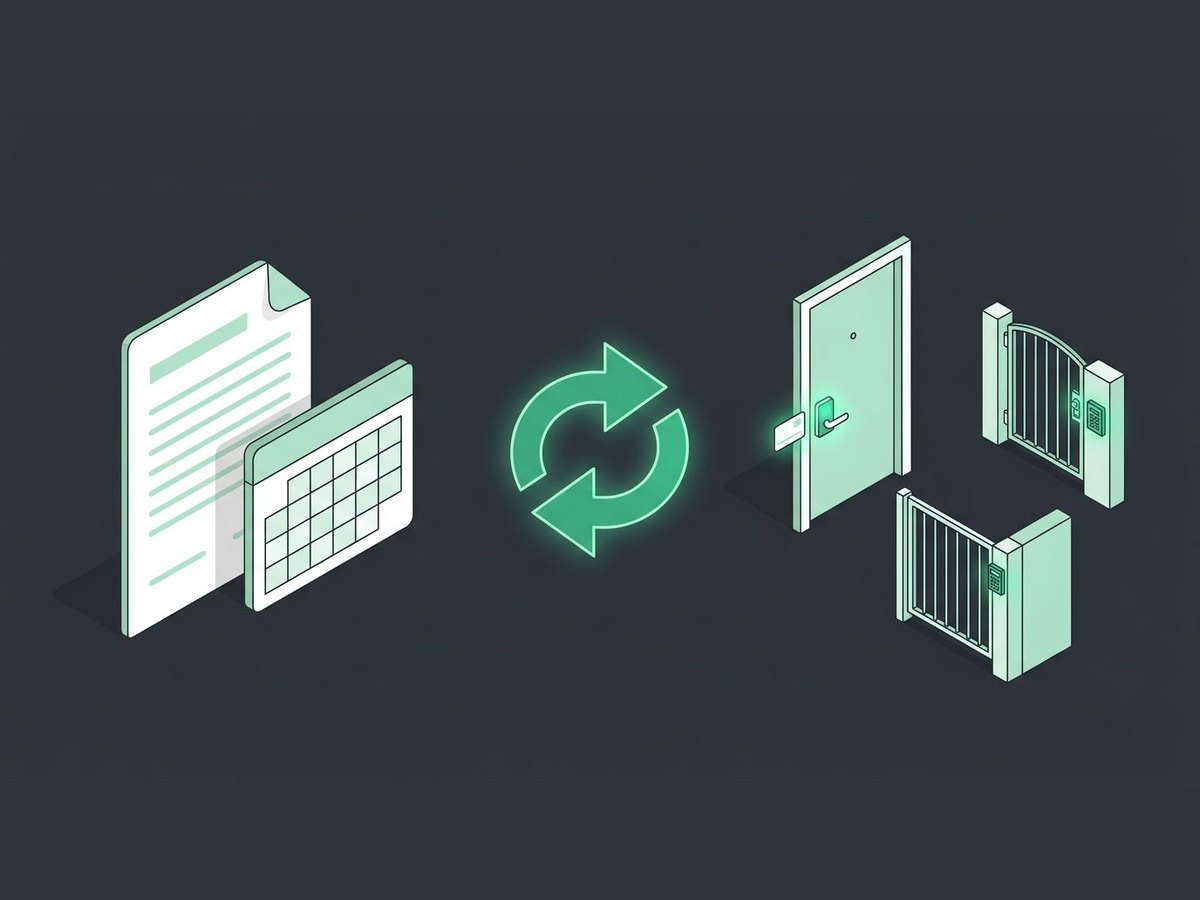
Your property software stays in charge
Brivo doesn't replace your software. It follows it.
- 1A resident is added
Your leasing team adds a new resident or tenant in your property software, the same as today.
- 2Access is assigned
Your property management software assigns their credential in Brivo automatically. No second system to update.
- 3Access ends at move-out
On the move-out date, access is removed automatically.
- 4Always in sync
Common area doors, smart apartment doors, and gate access stay matched to your current records.
Without the integration vs. with it
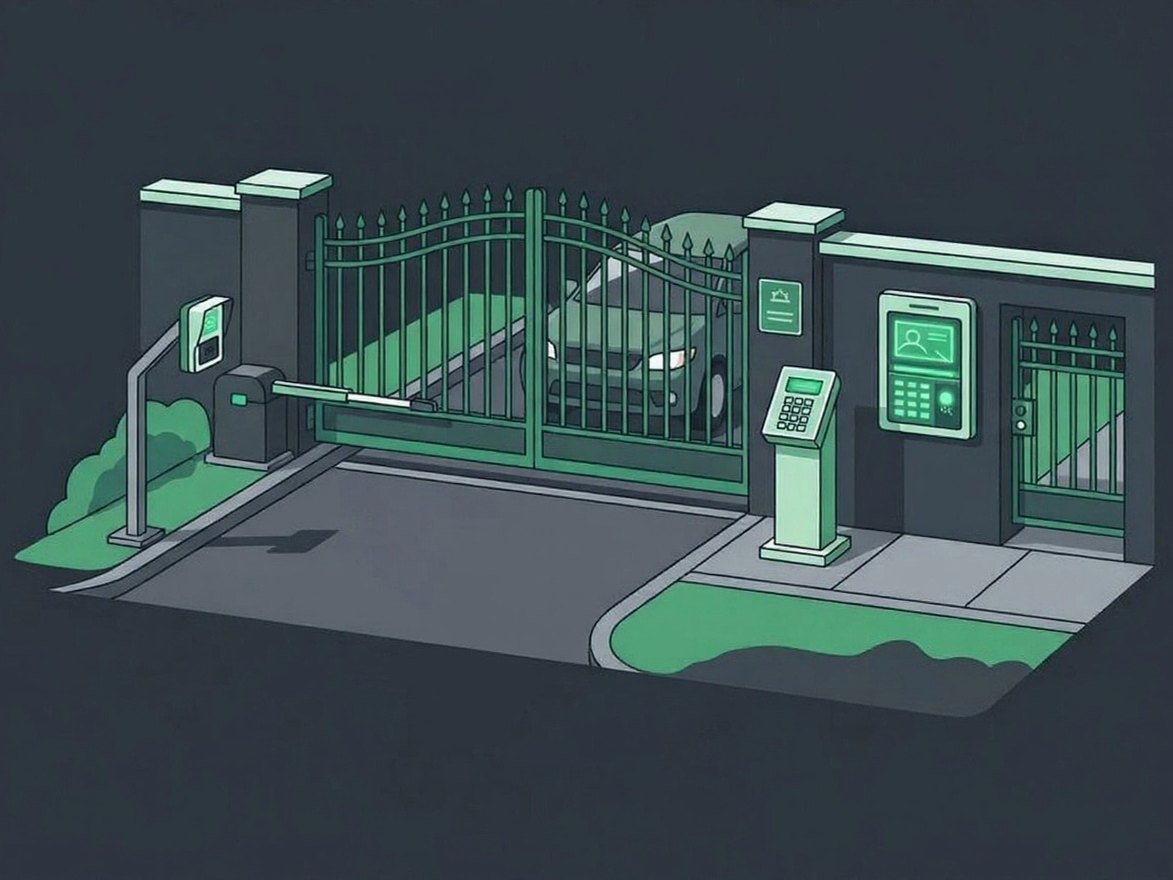
Installed, connected, and supported by one local team
From installation to everyday support, one local team takes care of your access control.
- Install the hardwareBrivo door readers, gate controllers, and video intercoms.
- Connect your softwareBrivo linked to Yardi, RealPage, Entrata, or Rent Manager.
- Set up credentialsMobile app and mobile wallet credentials, key fobs and key cards, PINs, gate clickers, UHF windshield stickers, and entrance directories.
- Train your staffHands-on training for your team, plus how-to articles for everyday Brivo tasks.
- Ongoing supportLocal support whenever a reader, gate, or software sync needs attention.
See how it would work at your property
Tell us about your property, and a member of our team will reach out to learn more. Prefer to pick a time? Book one on our calendar.
Property software integration questions, answered
Which property management software works with Brivo?
Brivo integrates with Yardi, Entrata, RealPage, and Rent Manager. Tell us what you use to confirm how the connection works for your property.
What happens when a resident moves out?
Access is removed based on the move-out date in your property management software, so old credentials don't linger.
Do residents have to use their phone?
No. Residents and staff can use the mobile app or a mobile wallet on their phone, key fobs and key cards, PIN codes, gate clickers, UHF windshield stickers for hands-free gate entry, or the entrance directory.
Does it cover gates and amenities, or only doors?
Gates, doors, and amenities. Access across all of them stays matched to your current resident records.
Can we manage several properties?
Yes. Your team can manage access across multiple properties from one dashboard.
Do you sell the property management software?
No. Our team installs and supports Brivo access control and connects it to the property software you already use.
Related services
Access Control
Doors, gates, and intercoms on Brivo and HID. Issue a phone or fob once, revoke it in seconds, log every entry.
Explore Access ControlAmenity Access Control
Pools, clubhouses, and gyms on a schedule, with every entry logged.
Amenity accessProperty Management
Access, cameras, and gates across your whole portfolio, synced with Yardi, RealPage, Entrata, and Rent Manager.
See how we help
Ready to connect access to your property software?
Tell us about your property. We'll call you to learn more and set up a free, no-pressure assessment.