
Upgrade to cloud video and keep your existing cameras
Move to the cloud without replacing every camera.
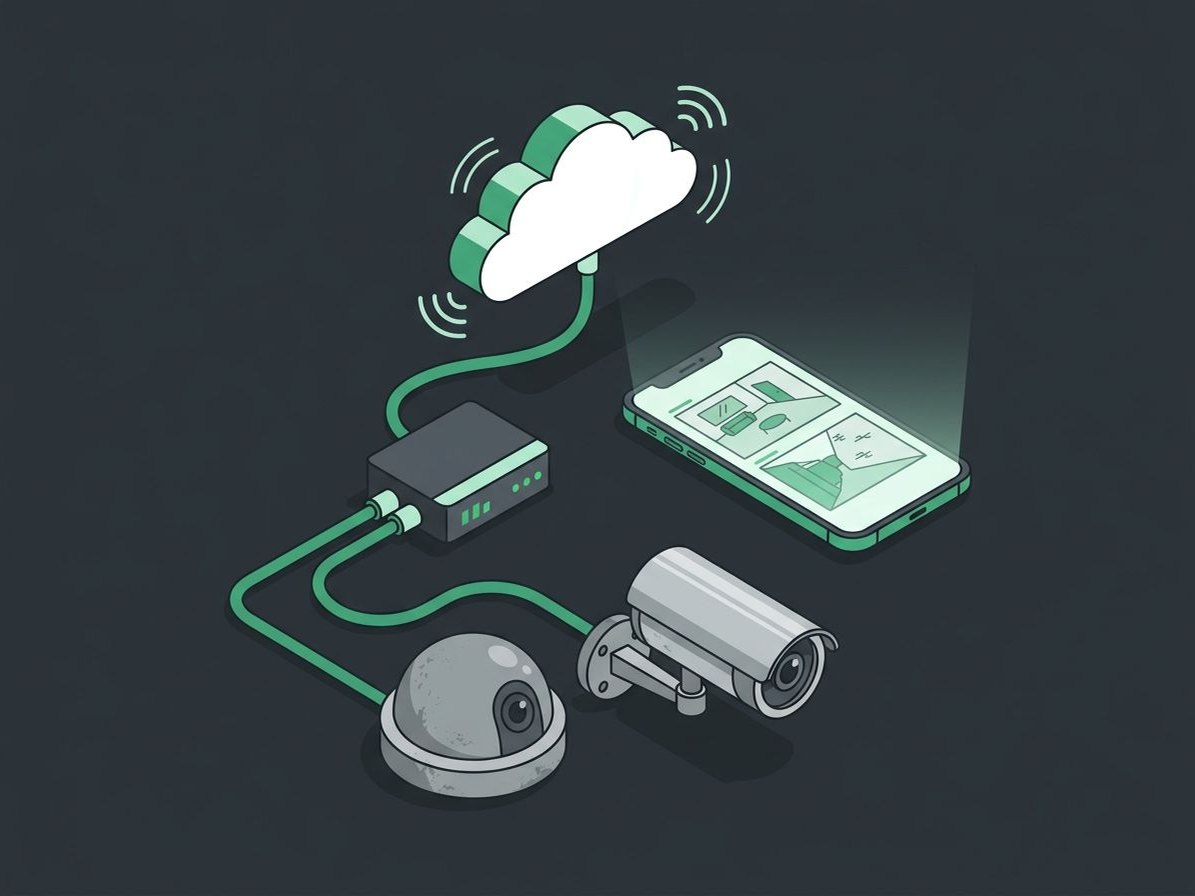
Many existing IP cameras can connect to Eagle Eye cloud video through an on-site bridge or cloud recorder, and older analog cameras can be taken over with our encoders. You get remote viewing, cloud storage, and AI search, and only the cameras that need it are replaced.
- ONVIF IP cameras connected through an Eagle Eye bridge or cloud recorder
- Analog BNC cameras taken over with our encoders
- Hikvision and Dahua replaced with NDAA & TAA compliant cameras
Spend where it matters
Reuse what works
Compatible cameras stay in place and move to the cloud.
Replace what can't stay
Hikvision and Dahua equipment, restricted by the FCC, is replaced with NDAA & TAA compliant cameras.
Existing cabling, often reused
Replacement cameras can often use the cabling you already have.
Cloud features from day one
Remote viewing, cloud storage, and AI search on the cameras you keep.
Two ways to keep what you have
ONVIF digital cameras
Many IP cameras follow ONVIF, an industry standard that lets cameras from different manufacturers work with other video systems. Compatible ONVIF cameras connect to Eagle Eye through a bridge or cloud recorder.
Analog cameras on coax
Older analog cameras wired with coax and BNC connectors can be taken over with our encoders, which turn their video into network video for the cloud, often using the coax already in place.
A clear path from what you have
- 1Review what you have
We check your cameras during the free assessment.
- 2Connect compatible cameras
Through an Eagle Eye bridge or cloud recorder.
- 3Replace what needs it
Restricted or failing cameras, often reusing cabling.
- 4Set up and support
Users, storage, and ongoing support from our team.
Talk to us about Keep Your Existing Cameras
Tell us about your property, and a member of our team will reach out to learn more. Prefer to pick a time? Book one on our calendar.
Keep Your Existing Cameras questions, answered
Can you use our older analog cameras?
Often, yes. Analog cameras on coax with BNC connectors can be taken over with our encoders, which send their video to Eagle Eye cloud video. We'll check them during the free assessment.
Which of our cameras can be reused?
It depends on the cameras. Many existing IP cameras can connect through an Eagle Eye bridge or cloud recorder, and we'll check yours during the free assessment.
What about our Hikvision or Dahua cameras?
The FCC has restricted Hikvision and Dahua equipment, and many insurers and property owners now want it gone. We replace it with NDAA & TAA compliant cameras, often reusing existing cabling.
Do we need new cabling?
Often not. Replacement cameras can frequently use the cabling already in place.
Is Eagle Eye now Brivo Video?
Yes. Brivo and Eagle Eye Networks merged in December 2025, and Eagle Eye's cloud video is now offered as Brivo Video. Existing systems keep working, and we walk clients through any app or login changes as Brivo rolls them out.
Related services
Security Cameras
Cloud video you can check from your phone, with AI alerts, license plate recognition, and 911 Camera Sharing.
Explore Security CamerasEagle Eye Cloud Video
Live and recorded video from any browser or phone, stored in the cloud for up to 5 years.
Cloud VideoAI Video Search & Alerts
Find a person or vehicle in seconds, and get alerts on real activity.
AI Video Search
Let's talk about your existing cameras
Tell us what you're working with. We'll call you to learn more and set up a free, no-pressure assessment.