
Cloud, backup, & security
Microsoft 365 installation & support in Tampa Bay
The apps your team already knows, with enterprise security built in
Business email, Teams, and file sharing, set up and secured for your team. Complete I.T. sets up and supports Microsoft 365 for businesses and communities across Tampa Bay.
- Microsoft partner
- Florida licensed: Low-Voltage ES12001800 and Alarm EF20002234
- Local Tampa Bay team since 2014, rated 4.9 on Google

Business email, Teams, and file sharing, set up and secured for your team.
Microsoft partner
Visit the Microsoft 365 websiteWhat Microsoft 365 can do for you
Microsoft 365 brings professional email, Teams meetings, Word, Excel, PowerPoint, and secure cloud storage together in one subscription. Higher plans add device management and endpoint protection designed for businesses up to 300 users.
Professional email on your domain
Outlook email, calendars, and contacts on your own domain, on every device your team uses.
Meet and chat in Teams
Video meetings, chat, and shared channels keep the office and remote staff on the same page.
Word, Excel, and PowerPoint everywhere
Desktop, web, and mobile versions of the Office apps, with co-authoring so several people can work on one file at once.
1 TB of cloud storage per user
OneDrive keeps every employee's files in the cloud and available from any device.
Defender for Business
Business Premium includes endpoint security built for small and medium businesses, protecting company devices against ransomware and other attacks.
Manage and secure every device
Intune and identity controls let you enforce sign-in policies and wipe company data from a lost phone or laptop.
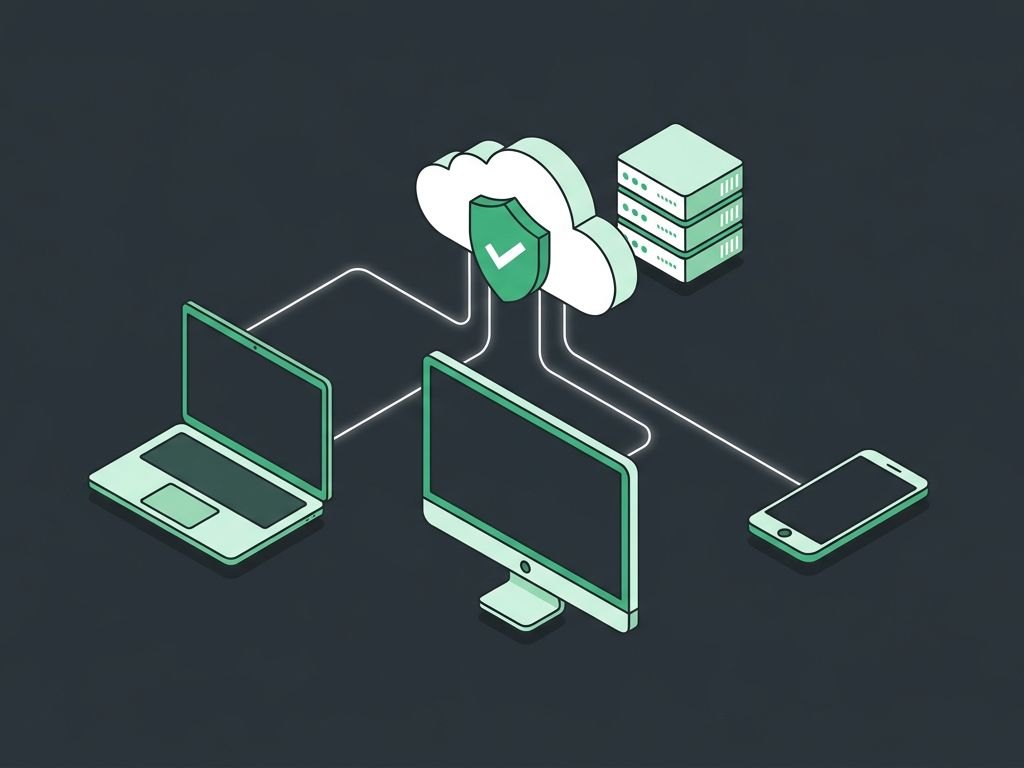
What Microsoft 365 does
Microsoft 365 includes Outlook email, Teams, Word, Excel, SharePoint, and OneDrive, with security tools for protecting accounts and company data.
What we do with Microsoft 365
- Move your email and files to Microsoft 365
- Set up email security, and multi-factor sign-in, which we strongly recommend
- Manage licenses, users, and shared mailboxes
- Help desk support for your team
Microsoft 365 products we work with
The Microsoft 365 services we set up and support most often.
Exchange email
Business email on your own domain.
Teams
Chat, calls, and meetings.
SharePoint and OneDrive
Shared files with permissions and version history.
Security tools
Multi-factor authentication and device protection.
How organizations use Microsoft 365
Examples from day-to-day operations.
The weekly team meeting is scheduled in Outlook, and everyone joins in Teams from the office, home, or the road. The agenda lives in a shared Word file that people update during the call.
An employee leaves a laptop in a rideshare. Because the device is managed, company data on it can be wiped remotely, and the files are still safe in OneDrive.
The bookkeeper and the outside accountant edit the same Excel workbook at the same time from different offices, with no versions emailed back and forth.
Where Microsoft 365 fits
How organizations like yours use it.
Professional Offices
Email, Teams, and shared files for client work, with multi-factor sign-in.
Professional OfficesMedical & Dental
Staff email and shared files protected with multi-factor sign-in.
Medical & DentalManufacturing
Email and Teams for office staff and the shop floor.
ManufacturingNonprofits
Nonprofit licensing set up and managed for lean teams.
NonprofitsWhy Tampa Bay chooses us for Microsoft 365
Partner
We're a Microsoft partner, and Florida Low-Voltage and Alarm licensed.
One company for everything
The team that sets up your Microsoft 365 supports it, along with our network, camera, access, and phone teams.
Local to Tampa Bay
Founder-led in Pasco County since 2014, rated 4.9 by 300 Google reviewers.
Services that include Microsoft 365
Managed IT Services
Help desk, monitoring, email, & devices
Explore Managed IT ServicesCybersecurity
Monitoring, MFA, backup, & training
Explore CybersecurityWorks well with



From first call to fully supported
Free assessment
A walkthrough of your current systems: what works, what doesn't, and what your organization needs next.
A right-sized plan
A clear project summary scoped to your organization, timeline, and budget.
Clean installation
Florida-licensed technicians install everything with minimal disruption to your operations.
Ongoing support
A local help desk and a team that already knows your systems, with monitoring available on managed plans.
Microsoft 365 questions, answered
Can you move our email without losing anything?
Yes. We plan the move so mail, contacts, and calendars come across, usually over a weekend.
Is Complete I.T. a Microsoft 365 partner?
Yes. We're a Microsoft 365 partner, so we can supply it, set it up, and support it directly.
Can you take over support of our existing Microsoft 365 setup?
Yes. We regularly take over systems set up by other providers. We'll review what you have during the free assessment.
What areas do you serve?
We work on site across the greater Tampa Bay area. Have a project somewhere else in Florida? Give us a call. We can often help. Remote support works from anywhere.
Microsoft 365 is a trademark of its owner. Complete I.T. Corp is an independent installer and service provider; certifications and partnerships are listed where we hold them.

Let's talk about Microsoft 365 for your team
New install, upgrade, or repair: tell us what you have. We'll call you to learn more and set up a free, no-pressure assessment.